Windows Updates SQL Server Slowdown: October Patches Leave Database Connections Hanging Open
- Who should care: DBAs and Windows admins rolling out Windows updates on SQL Server hosts that run linked servers to Oracle or PostgreSQL.
- What could go wrong: Servers slow to a crawl over days of uptime, and nobody sees an error.
- Do this: Count idle linked server connections today and plan for Microsoft’s out-of-band fix.
- Worth remembering: Skipping one month’s patch won’t help. Every update since October 13 carries the bug.
Introduction
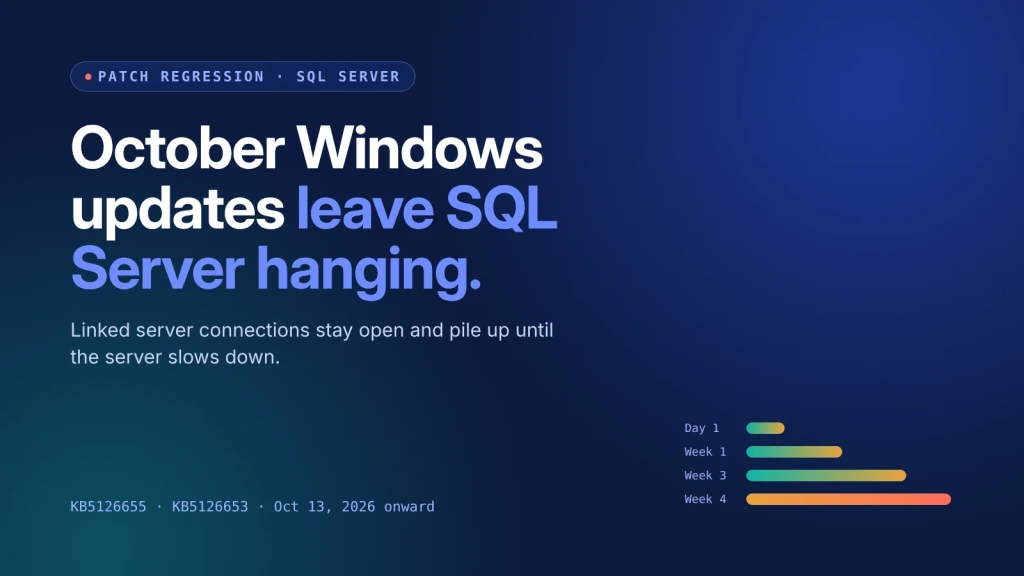
Microsoft has confirmed that the Windows updates SQL Server admins installed since October 13 carry a bug that quietly slows their servers down. Linked server connections to outside databases stay open after queries finish, and they keep stacking up until performance sinks.
What Happened With the Windows Updates SQL Server Bug?
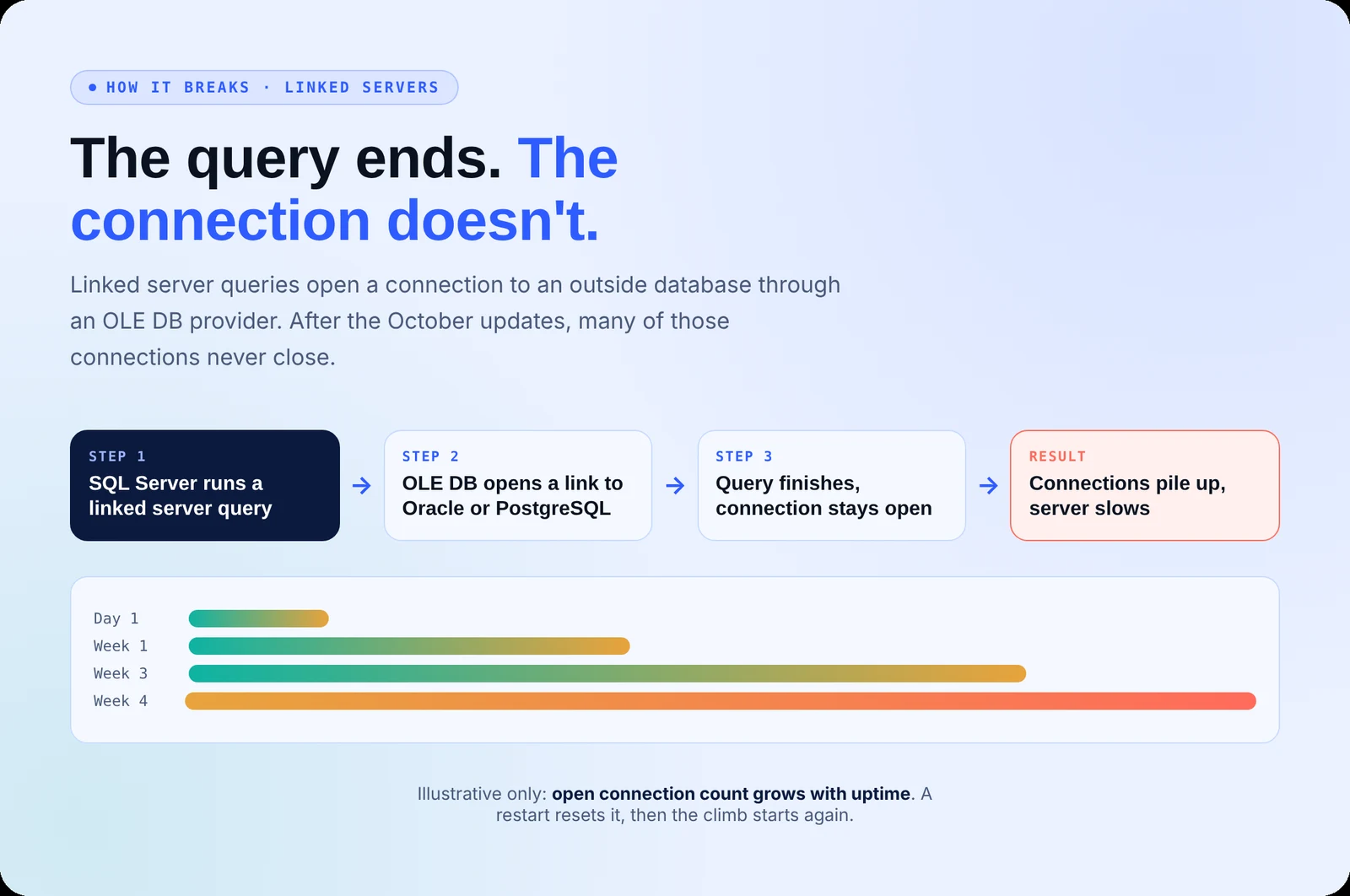
On November 11, Microsoft added a new entry to its Windows release health dashboard. After installing the October 13, 2026 updates (KB5126655 on Windows Server 2022, KB5126653 on Windows 11 23H2) or anything newer, SQL Server linked server queries that use OLE DB providers can leave their connections open after the query completes.
Each new query adds another one. Oracle and PostgreSQL connections are among those confirmed affected. According to BleepingComputer, the bug reaches Windows 10, Windows 11 and Windows Server 2012 and later, so it isn’t limited to one build.
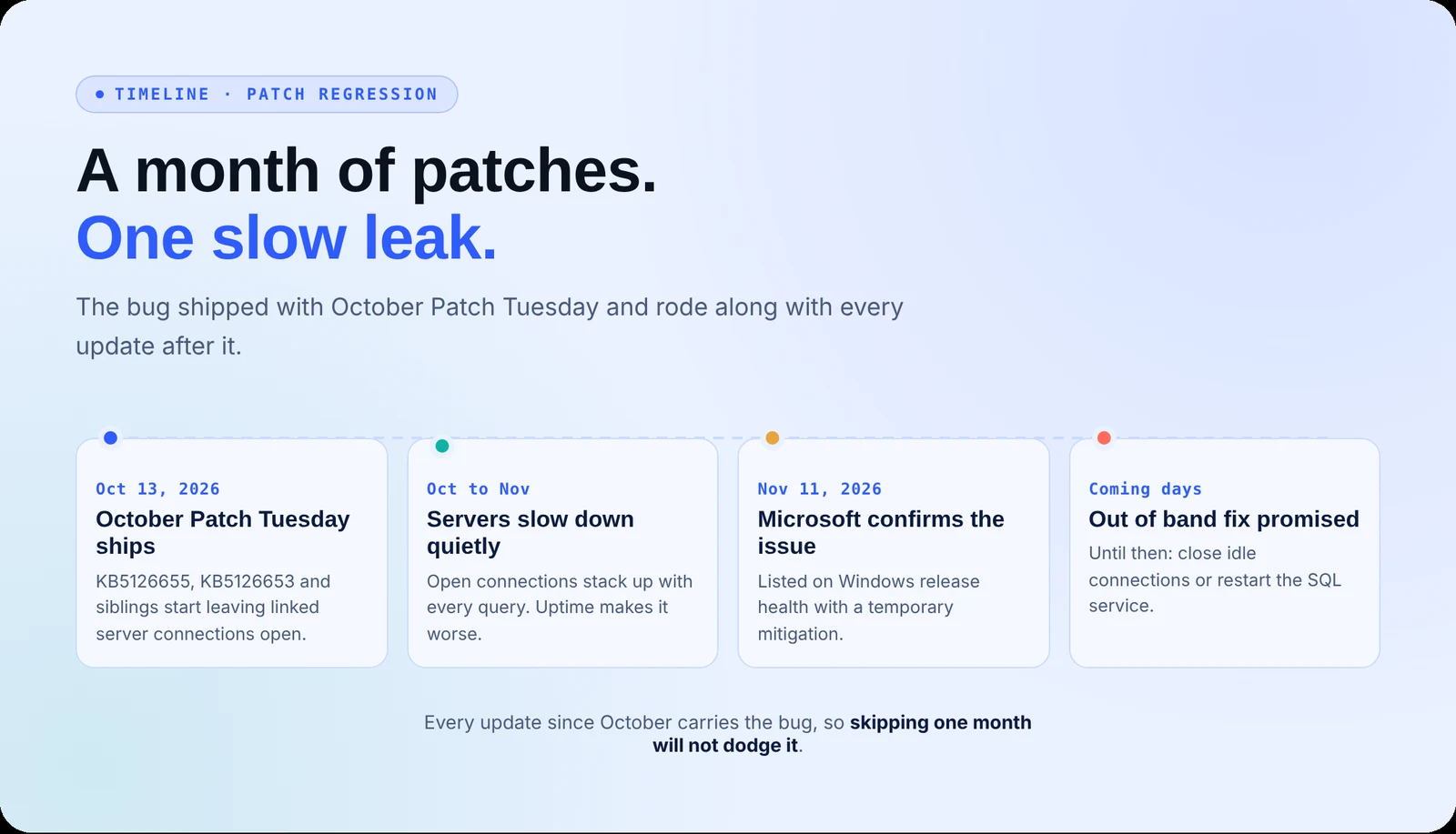
Microsoft says an out-of-band update will land in the next few days. It is the second Windows update problem admins have had to chase this month, after KB5132061 failed to install on PCs that took October’s preview.
What’s the Impact?
This is a slow leak, not a crash. Open connections pile up with uptime, eating server resources and dragging down every workload on the box. Reporting jobs, ETL pipelines, and apps that pull from Oracle or PostgreSQL get slower each day, and the cause hides behind a “successful” patch. That is what makes this Windows updates SQL Server problem so easy to miss.
The temporary fixes aren’t great either. Restarting the SQL service clears the backlog but kills active queries, and the problem comes back.
How to Avoid This
- Audit your linked servers. List every instance that queries Oracle, PostgreSQL, or other external databases through OLE DB.
- Track open connection counts. Watch for sessions that stay idle after their queries finish and keep climbing.
- Close idle connections on a schedule. Plan service restarts in maintenance windows so you don’t drop live queries.
- Install the out-of-band update as soon as it ships. Test it on one linked server host before a wide rollout.
- Keep patching. Don’t roll back October’s security fixes. Contact Microsoft Support for Business if you need the official mitigation.
Windows Updates SQL Server Indicators to Watch (No IOCs)
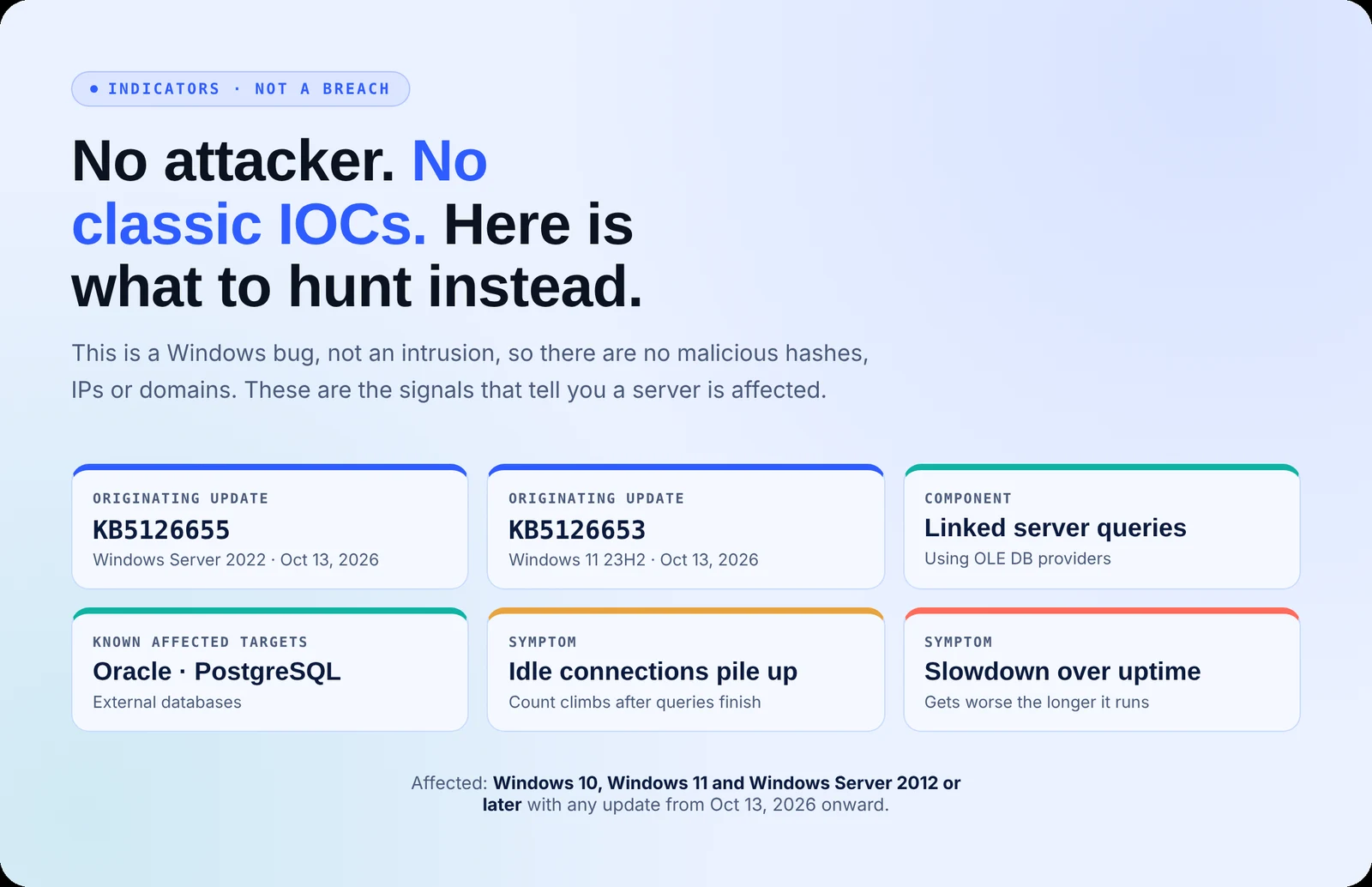
No attacker is present, so there are no malicious hashes, IPs, or domains. These are the signals that a server is affected:
- Originating updates: KB5126655 (Windows Server 2022) and KB5126653 (Windows 11 23H2), released October 13, 2026, plus every later cumulative update
- Component: SQL Server linked server queries using OLE DB providers
- Symptom: Connection count to external databases keeps rising after queries finish
- Symptom: Performance drops the longer the server stays up, then recovers briefly after a restart
Your Patch Cycle Needs Someone Watching the Aftermath
Patches fix holes, but they can also break what was working. This isn’t the first time Microsoft’s own patches caused the problem. Secure.com gives your team AI teammates that test, watch, and prove every change, while your team sets the rules:
- Map every server, database, and linked dependency so you know what a patch can touch
- Flag known issues tied to the KBs you just deployed, before users feel the slowdown
- Spot abnormal behavior after patching, like connection counts that never come back down
- Draft rollout and rollback plans for approval, so nothing ships without a human sign-off
Your team gets back the hours spent chasing “why is the server slow” tickets. No more grunt work.
Conclusion
The Windows updates SQL Server bug won’t trigger an alert or break a login. It just makes servers slower every day they stay up. Check your linked server connection counts now, schedule safe restarts if they climb, and install Microsoft’s out-of-band fix the day it ships.