KB5132061 Won’t Install? Microsoft Says October’s Preview Update Is to Blame
- Who should care: Windows 11 admins with devices stuck on KB5132061, especially anyone running an early or pilot update ring.
- What could go wrong: November’s security fixes never reach your machines, while the dashboard shows “pending.”
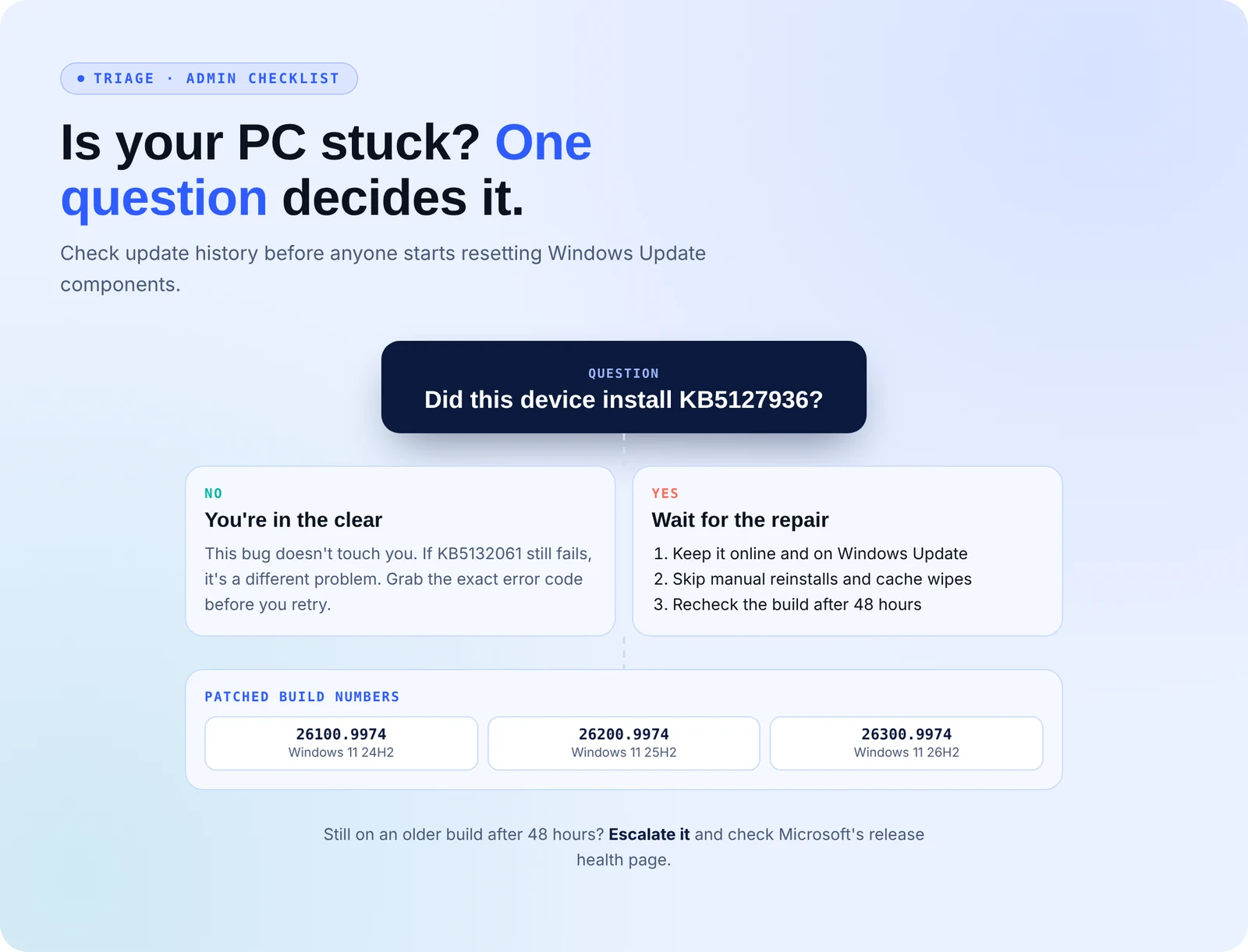
- Do this: Find every device that installed KB5127936 and watch its build number.
- Worth remembering: Skipped the October preview? You’re not affected.
Introduction
Windows 11 admins spent Patch Tuesday watching the November security update fail, retry and fail again. Microsoft now says the November update, KB5132061, breaks on machines that installed October’s optional preview, and a repair is already rolling out.
What Happened With KB5132061?
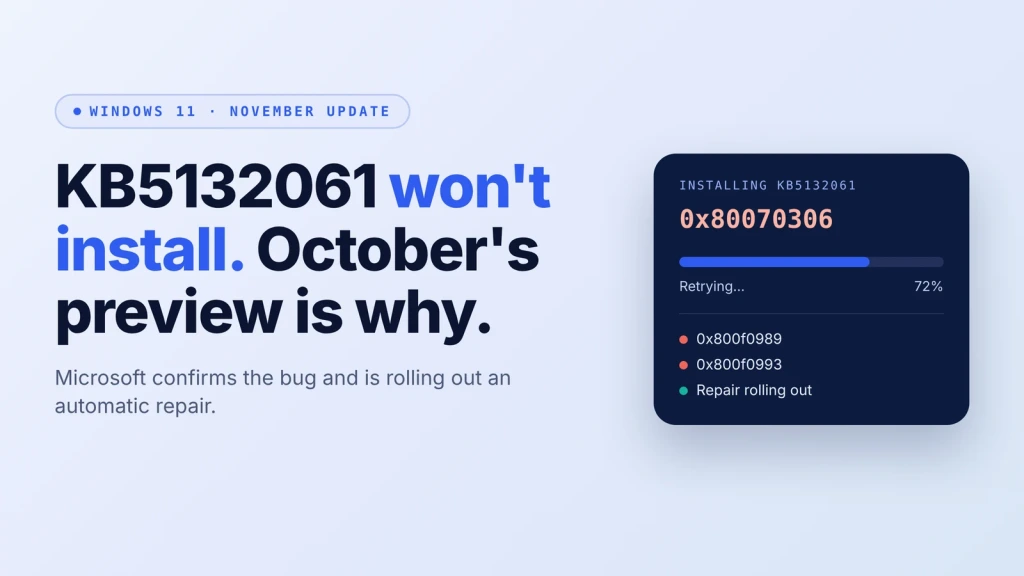
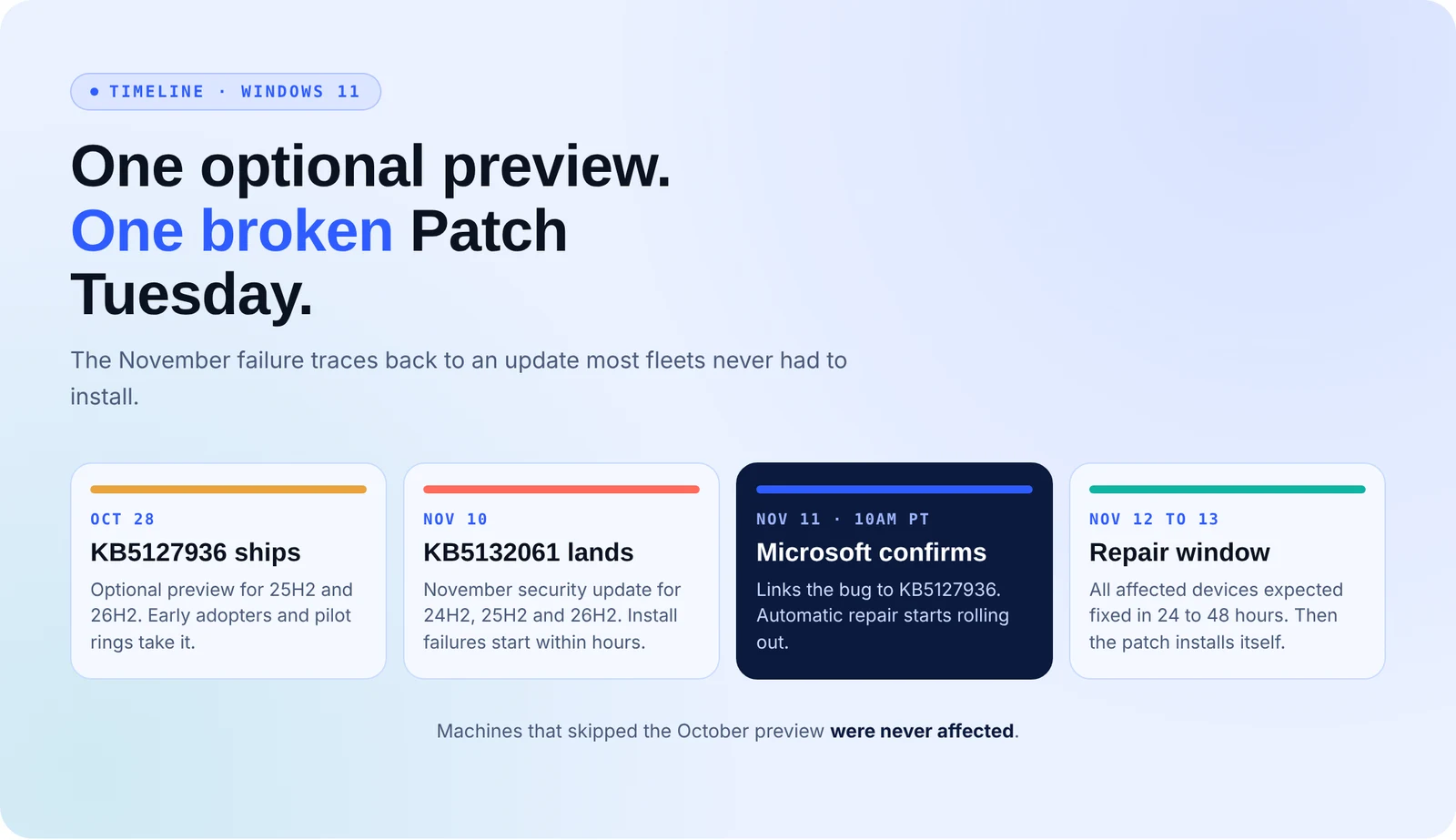
Microsoft released the update on November 10 for Windows 11 24H2, 25H2, and 26H2. Within hours, forums filled up with reports of installs freezing partway through and rolling back. Some PCs got stuck in a loop. Others showed 0x80070306, 0x800f0989 or 0x800f0993.
On November 11, Microsoft confirmed the bug. The trigger is KB5127936, the optional preview update from October 28. Devices that skipped it aren’t affected. Microsoft started pushing an automatic repair at 10am PT that day and expects to fix every affected device within 24 to 48 hours. After that, Windows Update installs the November patch automatically.
This isn’t the first time this year that Windows patching stalled on Microsoft’s side. In July, a WSUS sync failure left patches stuck for a different reason.
What’s the Impact?
Until the repair lands, affected PCs stay on October’s code and miss November’s security fixes. The gap hits the machines in your pilot ring and the eager users who updated first. It also burns helpdesk time: users report that resetting Windows Update components and installing manually from the catalog didn’t help.
How to Avoid This
- Tag them: Find every device that installed KB5127936 and track them as one group.
- Leave them online: Keep them connected to Windows Update so the repair can arrive. Don’t wipe update caches over and over.
- Check builds: After 48 hours, confirm 26100.9974 (24H2), 26200.9974 (25H2) or 26300.9974 (26H2).
- Ring fence previews: Keep optional previews in a small test ring and out of production.
- Managed fleets: If you patch through WSUS or Intune, check Microsoft’s release health page for how the repair reaches your devices.
KB5132061 Indicators of Compromise (IOCs)
This is a bug in how Windows installs updates. No attacker is involved, so there are no hashes, IPs or domains to block. Look for the three error codes above, the same install retrying repeatedly, and “2026-11 Security Update (KB5132061)” marked as failed in update history. Users have also reported 0x800f0922 and 0x800f0915, but Microsoft’s note doesn’t mention them.
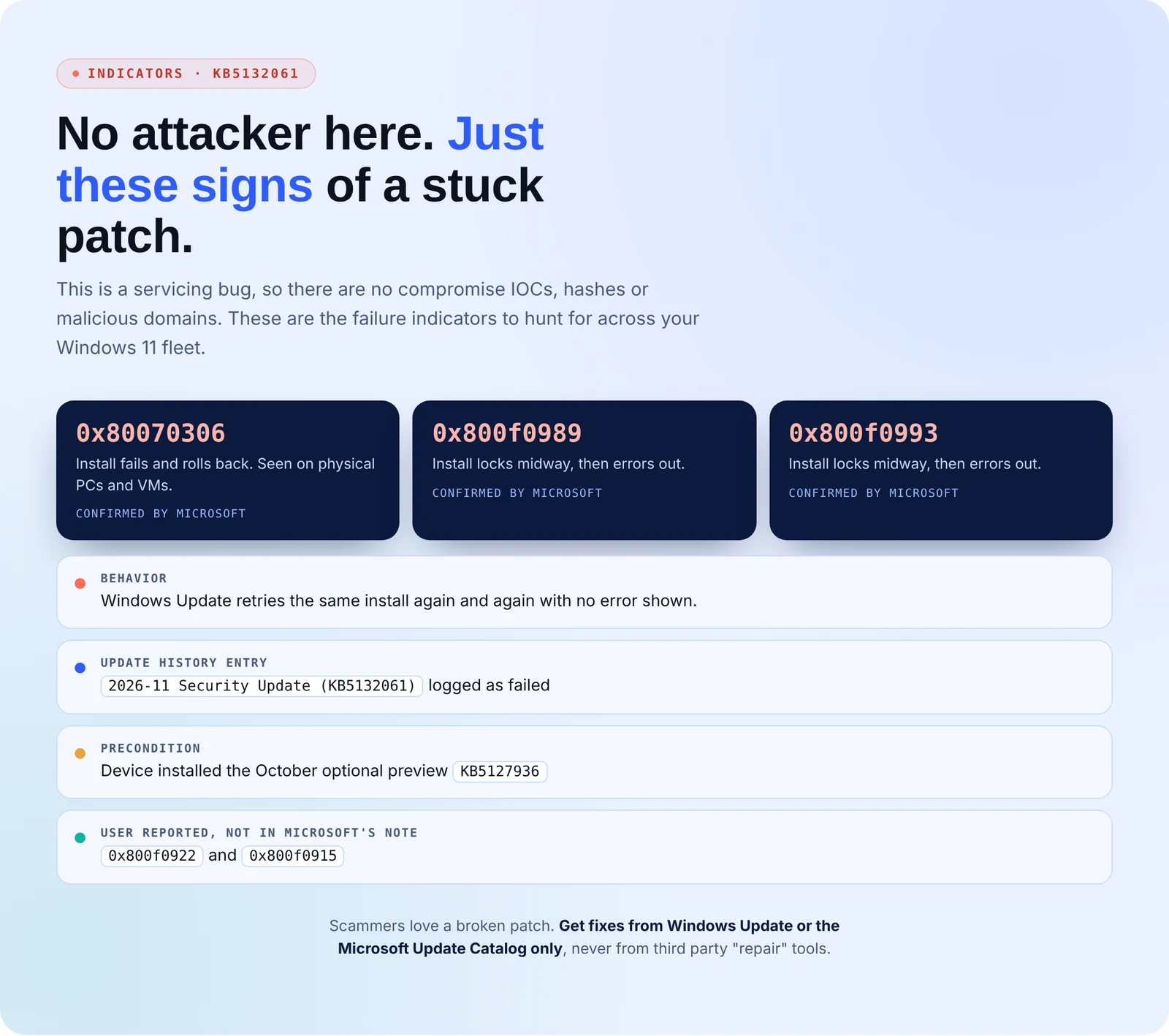
One more warning: scammers love a broken patch, so only get fixes from Windows Update or the Microsoft Update Catalog.
“Approved” Isn’t the Same as Installed
Your patch calendar says November is done. Some of your devices may still be on October’s code.
Secure.com’s AI teammates close that gap, under rules your team sets:
- Track the real install state of each device, so a stuck install shows up as open exposure instead of “pending”
- Group machines by what they installed last month, so preview ring devices get flagged together
- Match November’s unpatched CVEs to the stuck machines and rank them by which ones an attacker can actually reach
- Draft follow-up tickets for your team to approve, so nobody burns a day on registry resets
- Recheck after the repair window and keep evidence that each device is patched
Attack. Harden. Prove. Repeat.
Conclusion
These failures only hit devices that took October’s optional preview, and Microsoft is fixing them remotely. Leave those machines online, skip the manual resets, and check the build number after 48 hours. Anything still behind after that needs escalation.