Key Takeaways
- AI SOC analysts (the software kind) handle Tier 1 triage, alert correlation, and evidence gathering at a speed no human shift can match.
- The human “AI SOC analyst” role hasn’t disappeared. It moved from processing alerts to supervising the agents that do.
- Most serious SOC teams still keep a human in the loop for anything with real consequences, like suspending an account or isolating a device.
- The skills gap has shifted too. It’s no longer just about who understands threats. It’s about who can catch an AI agent’s wrong call before it turns into a missed breach.
Industry research shows SOC teams face 11,000+ alerts per day, with 70% ignored due to resource constraints (IDC/SANS), and a huge share of those never get a proper look because there simply aren’t enough hours or analysts to cover them. That gap is exactly why “AI SOC analyst” has become one of the most searched terms in security hiring this year, and why the answer isn’t as simple as “AI does the job now.”
Why security teams can’t keep up, by the numbers
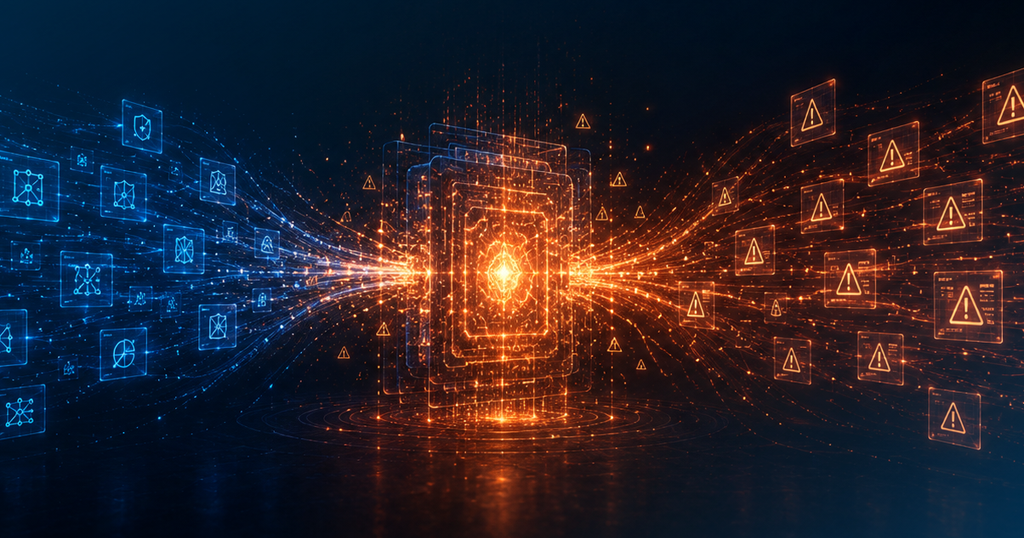
Alert volume has outgrown what human teams can manually review — and it shows up in the data.
What Is an AI SOC Analyst?
The term gets used two ways, and mixing them up is where most of the confusion starts.
One is the software. An AI SOC analyst, in this sense, is an AI agent built to triage alerts, pull context from your SIEM, EDR, and cloud tools, and write up an investigation the way a junior analyst would, just faster and around the clock.
The other is the person. A human AI SOC analyst is someone who works alongside those agents: reviewing their calls, tuning their behavior, and stepping in when a case needs judgment the AI doesn’t have.
So what does an AI SOC analyst do? In practice, both. The software clears the queue. The person makes sure the queue is being cleared correctly. Neither one does the job alone anymore, and that pairing is quickly becoming the default setup for modern SOC teams.
Part of why this shift happened so fast comes down to hiring math. ISC2 has put the global cybersecurity workforce gap at roughly 4.8 million unfilled roles, and open SOC analyst roles can sit vacant for months while attackers don’t wait around. Bringing in an AI agent to absorb the repetitive work isn’t a nice to have anymore. For a lot of teams, it’s the only realistic way to keep coverage up without doubling headcount.
What Does an AI SOC Analyst Do Day to Day?
The role generally splits into four areas of work. Three are familiar. One is new.
Autonomous alert investigation, step by step
Detection and triage
This is the classic SOC job: watching alerts come in, deciding what’s noise and what’s a real threat, and tuning detection rules so the next batch is cleaner. AI now handles the first pass on most of this volume.
Investigation and response
Once something looks real, someone has to dig into it. AI agents pull logs, check threat intel, and map out what happened across endpoint, network, and identity systems in minutes instead of hours. A human still signs off before anything gets contained or shut down.
Detection engineering
Analysts write and refine the logic that decides what gets flagged in the first place. This work hasn’t gone anywhere. If anything, it matters more, because a poorly tuned detection now feeds a poorly tuned AI agent.
Agent oversight
This is the new one. Someone has to check whether the AI’s verdict on an alert was actually correct, catch it when the agent is overconfident, and turn repeated mistakes into fixes. Analysts who can do this well are becoming some of the most valuable people on the team.
That fourth area is also where the risk lives. The dangerous failure isn’t an agent that’s obviously wrong. It’s one that confidently closes a ticket a human would have escalated. That’s not a hypothetical worry either: in a 2026 survey of 650 CISOs, Splunk found that 83% ranked AI hallucinations as their top concern with agentic AI, ahead of data leakage or legal liability.
Why Human-in-the-Loop Still Matters
AI SOC analyst vs. human analyst: who does what
| Dimension | AI SOC Analyst | Human Analyst |
|---|---|---|
| Alert Volume | Thousands simultaneously, 24/7 | 10–20 per shift with full depth |
| Context Collection | Automatic across every connected tool | Manual lookup for each alert |
| Consistency | Same quality at 3 AM as 3 PM | Varies with fatigue and shift length |
| Novel Threats | Can miss what is genuinely new | Recognizes when something feels off |
| Judgment Calls | Limited — needs clear signals | Strongest capability — reads ambiguity |
| Cost at Scale | Fixed — no headcount growth | Grows with every infrastructure expansion |
AI clears the queue. Humans handle what the queue was hiding.
Human-in-the-loop isn’t a compliance checkbox. It’s the reason AI SOC tools are trustworthy enough to use in the first place.
AI models can still get things wrong in ways that aren’t obvious. Analysts need to understand how an AI reached a conclusion, question outputs that look off, and push for tools that explain themselves instead of acting as a black box. That skill is in short supply: ISC2’s 2025 Cybersecurity Workforce Study found that 95% of cybersecurity professionals now report at least one critical skills gap on their team, up 5 points from the year before.
That said, “in the loop” doesn’t mean an analyst reviews every single step. According to CSO Online’s reporting, the more accurate model for 2026 is analysts working “on the loop,” meaning they oversee outcomes and dig in when something looks wrong, rather than checking every enrichment an agent runs. Checking every step just turns the analyst into the bottleneck the AI was supposed to remove.
Here’s where oversight actually earns its keep:
- Catching hallucinations. An agent that misreads context can close a real incident as a false positive. Someone has to notice.
- Setting the boundaries. SOC leaders decide which actions an agent can take on its own and which ones need a human sign off first.
- Feeding the system better data. Precise, structured feedback trains the AI faster than vague corrections ever will.
- Owning the outcome. If a breach happens, “the AI decided” isn’t an answer anyone can give a regulator or a board.
None of this is optional overhead. It’s what turns an AI SOC from a fast alert clearer into something a security team can actually stand behind.
Meet SOC Teammate from Secure.com
SOC Teammate handles the alert triage and investigation work that would otherwise sit in a queue, get triaged inconsistently across shifts, or get missed entirely when volume spikes.
Your analysts still make every final call. High-impact actions like endpoint isolation require human approval before execution. SOC Teammate removes the part that was slowing them down — from alert fires to a fully documented investigation, without waiting for a human to start it.
Enriches every incoming alert automatically across connected tools
Investigates context without waiting for a human to start the process
Closes false positives with documented reasoning on record
Escalates real threats with a full investigation summary inside the ticket
Runs continuously — no shift gaps, no overnight coverage windows
FAQs
Will AI replace SOC analysts?
What skills do I need to work with an AI SOC?
Does every AI decision in a SOC need human approval?
How is an AI SOC analyst different from a traditional SOC analyst?
The Bottom Line
The SOC analyst job hasn’t gone away. It’s just not the same job it was two years ago. AI handles the volume: the repetitive triage, the log pulling, the first draft of an investigation. People handle the judgment calls, the accountability, and the moments where getting it wrong actually matters, like deciding whether to lock a VP out of their account at 2am. Teams that pair the two well are the ones clearing queues faster without losing the ability to explain, and trust, every call their SOC makes. That combination, not a fully automated SOC or a fully manual one, is what’s actually working right now.