Key Takeaways
- Most SOC teams receive 1,000+ alerts per day. On average, 40% are never investigated at all.
- An AI SOC compresses the full alert lifecycle from days to minutes by automating triage, enrichment, investigation, and containment.
- Alert correlation across SIEM, EDR, and identity tools catches threats that single-tool monitoring misses.
- Human-in-the-loop controls keep analysts in charge of high-risk decisions, even when the AI acts fast.
- Secure.com’s SOC Teammate handles cases end to end with human-in-the-loop governance for high-impact decisions, not just the triage step.
Introduction
Your analysts came in Monday morning to 747 unread alerts. Most of them are noise. A handful of them aren’t. The problem is figuring out which ones before an attacker does — and you have less than 30 minutes to decide.
That gap, between an alert firing and a threat being contained, is where breaches happen. According to CrowdStrike’s 2024 Global Threat Report, the average attacker moves from initial access to lateral movement in just 29 minutes. That’s your window.
Here’s how an AI SOC closes it.
Your analysts are losing the numbers game
Alert volume has outpaced human capacity. These are the industry figures that explain why the traditional SOC model is breaking down.
How an AI SOC Handles Alert Triage Without Drowning in Volume
Traditional SOC triage is a numbers problem. Enterprise environments can generate more than 10,000 alerts per day. According to SANS research, 66% of SOC teams say they can’t keep pace with the volume they receive. Two-thirds of analysts report higher stress levels from repetitive triage work alone.
An AI SOC changes the math.
How an AI SOC Triage Alerts Without Human Review (At Scale)
When a new alert comes in, an AI SOC doesn’t hand it to an analyst first. It runs the alert through an automated scoring model that weighs:
- Severity and kill-chain position — is this early reconnaissance or active lateral movement?
- Asset criticality — is the affected system a dev sandbox or a production database?
- Historical behavior — is this activity unusual for this user or endpoint?
- Threat intelligence — does this IP, hash, or behavior match known bad actors?
Low-confidence, low-severity alerts are automatically triaged and closed with a documented rationale logged in the case file. Real threats get escalated with context already attached.
How an AI SOC Processes EDR Alerts at Scale
Endpoint alerts are one of the loudest sources of noise in any SOC. A single EDR deployment can fire hundreds of alerts daily across a mid-sized organization. Manually reviewing each one isn’t realistic.
An AI SOC ingests EDR signals, normalizes them into a common schema, and cross-references them against behavioral baselines. If a process spawns an unusual child process on a sensitive host, the AI doesn’t just flag it. It pulls the process tree, checks recent login history, looks up the hash, and correlates the event against other activity happening at the same time.
That full picture gets built in seconds, not hours.
How Alert Enrichment and Correlation Turn Raw Signals Into Real Answers
A raw alert tells you something happened. Enrichment tells you what it means.
How an AI SOC Enriches Alerts With Threat Context
Alert enrichment is the process of pulling in external and internal context to make an alert actionable. An AI SOC does this automatically, querying:
- Threat intelligence feeds — to check if the IP, domain, or file hash has a known reputation
- Internal asset inventory — to understand what system was involved and how critical it is
- MITRE ATT&CK mapping — to identify where this behavior sits in an attacker’s playbook
- Recent activity logs — to spot if this is part of a broader pattern
Without enrichment, analysts are making triage decisions with incomplete data. With it, they get a pre-built case with the relevant evidence already collected.
How an AI SOC Correlates Alerts Across Multiple Tools
This is where things get interesting. Attackers rarely trigger just one alert. They hit email, then endpoint, then move laterally through identity infrastructure. Each hop might fire in a different tool, at a slightly different time.
A human analyst working across a SIEM, an EDR console, and an IAM platform doesn’t naturally connect those dots in real time. An AI SOC does.
By pulling signals from across your entire stack simultaneously, including SIEM, EDR, identity providers like Okta and Active Directory, and cloud environments, the AI surfaces the relationship between events that look unrelated in isolation. One user’s login anomaly plus an unusual process on their endpoint plus a privilege escalation attempt in Active Directory tells a very different story than any single alert would.
According to IBM’s 2024 Cost of a Data Breach Report, organizations with fully deployed security AI and automation identified and contained breaches 108 days faster than organizations without these capabilities.
From alert to resolution — in minutes
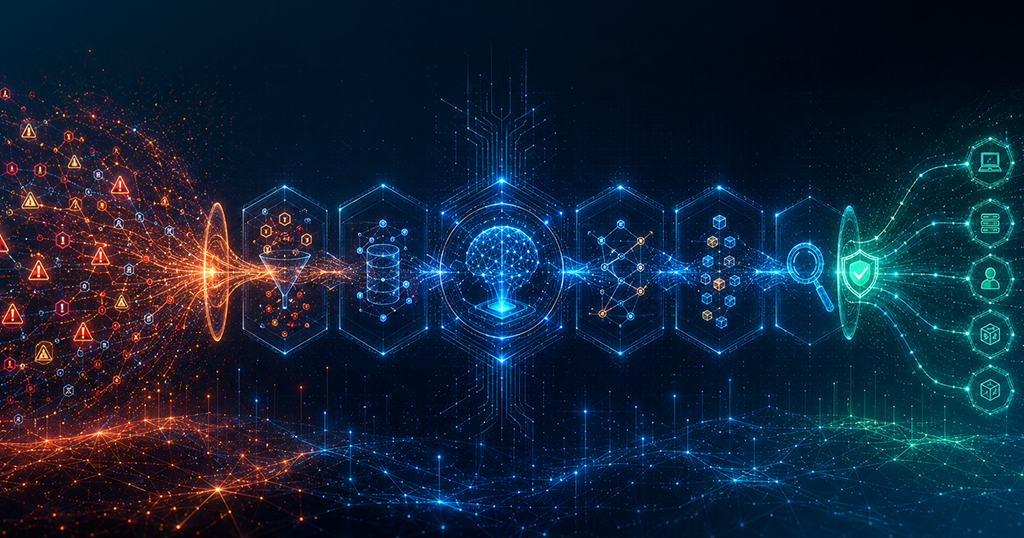
An AI SOC runs four stages in sequence without handing the baton to a human between each step. Here’s what happens the moment an alert fires.
Every alert is scored instantly against four dimensions — no queue, no waiting for an analyst to log in.
-
Severity & kill-chain position
-
Asset criticality scoring
-
Behavioral baseline check
-
Threat intel match
Raw signals become answers. The AI cross-references every alert against your full stack simultaneously.
-
SIEM, EDR & IAM correlation
-
MITRE ATT&CK mapping
-
IP / hash reputation lookup
-
Multi-tool attack chain linking
The AI reconstructs the full attack sequence automatically. Analysts open a case and see the story, not raw logs.
-
Auto-generated attack timeline
-
Structured case file creation
-
Identity & credential analysis
-
Plain-language incident summary
Pre-approved playbooks execute the right response action. Risk level determines whether AI acts or escalates.
-
Host isolation on malware confirm
-
Account suspend & password reset
-
Privilege revocation in AD
-
Network block & evidence preserve
How Investigation and Case Management Work in an AI SOC
Triage gets you to “this is probably real.” Investigation gets you to “here’s exactly what happened and what needs to happen next.”
How an AI SOC Builds an Investigation Timeline Automatically
A manual investigation means pulling logs from multiple systems, stitching together a timeline by hand, and trying to reconstruct an attacker’s path across an environment that spans dozens of tools. Experienced analysts can do it well. It still takes hours.
An AI SOC builds that timeline automatically. From the moment an alert is escalated, the system:
- Pulls relevant logs from SIEM, EDR, cloud, and identity sources
- Maps events in chronological order to reconstruct the attack sequence
- Flags anomalies and highlights the most suspicious activity
- Generates a plain-language summary of what happened
The analyst opens the case and sees the full story, not a pile of raw logs to sort through.
How an AI SOC Generates Investigation Case Files
Every investigation in an AI SOC produces a structured case file. This isn’t just documentation for documentation’s sake. Case files serve three purposes:
- Analyst handoff — another analyst can pick up a case at any point and understand exactly where it stands
- Audit and compliance — every action is logged with a timestamp and rationale, which matters if a regulator ever asks
- Pattern recognition — over time, case files build institutional knowledge that improves future detections
In a traditional SOC, this documentation often doesn’t exist or lives in someone’s head. In an AI SOC, it’s generated automatically as the investigation runs.
How an AI SOC Handles Identity-Based Threat Investigation
Identity threats are among the hardest to catch and the fastest-moving when they’re missed. A compromised credential can move through an environment quietly, especially if the attacker’s behavior mimics the legitimate user’s patterns.
An AI SOC monitors user behavior continuously, pulling signals from identity providers like Okta and Active Directory. When behavior deviates from baseline, such as unusual login times, access to new resources, or geographic anomalies, the AI correlates those signals with endpoint and network activity to build a complete picture.
Rather than investigating the login anomaly in isolation, it asks: what else was this user doing? What systems did they touch? Did any of those systems have other unusual activity? That’s the kind of multi-source reasoning that catches credential-based attacks before they escalate.
What Triggers Automated Containment in an AI SOC
Detection and investigation matter. But an alert isn’t resolved until the threat is contained.
What Triggers Automated Containment in an AI SOC
Automated containment in an AI SOC runs on pre-approved playbooks. These are defined by your team in advance, based on your environment, your risk tolerance, and your approval thresholds. Common triggers include:
- High-confidence malware detection on an endpoint → automatic host isolation
- Compromised credential confirmed → account suspension and password reset initiation
- Unauthorized privilege escalation in Active Directory → access revocation and alert to identity team
- Data exfiltration behavior detected → network block and evidence preservation
The key word is pre-approved. The AI doesn’t make containment decisions on its own, at least not without guardrails you’ve set. Low-risk, high-confidence actions run automatically. Medium-risk decisions surface to an analyst for a one-click approval. High-risk actions require full human review before anything executes.
This is the human-in-the-loop model. It’s not AI replacing judgment — it’s AI handling the repetitive work that doesn’t require judgment, so your analysts are free for the strategic decisions that do.ri
The AI teammate that handles cases end to end
Most tools help at one stage. Secure.com’s SOC Teammate runs the full alert lifecycle — from detection to containment — with full human oversight for high-impact decisions.
(MTTD)
(MTTR)
per alert
automated
FAQs
How do you track SIEM alert resolution rate?
What’s the next step after buying a SIEM?
What should you look for when choosing a SOC platform?
What is a good SOC alert resolution rate?
What is the cost per alert in a SOC?
How does an AI SOC improve SIEM alert resolution rate?
Conclusion
An alert is just a signal. What matters is what happens between that signal and resolution.
In a manual SOC, that gap is filled with analyst hours, handoff delays, incomplete context, and a lot of alerts that never get looked at. In an AI SOC, that gap closes fast, because triage, enrichment, investigation, and containment all run in sequence without waiting for a human to move the baton.
The teams seeing the biggest improvements aren’t the ones with the largest headcount. They’re the ones that stopped treating every alert like a manual task and started building a system that handles the lifecycle from end to end.
That’s what Secure.com’s SOC Teammate is built for. Book a 15-minute demo and see how it handles a case start to finish.