Who should care: Any team whose developers could have installed Blank Canvas VS Code extensions, and any freelancer who takes paid gigs from strangers on Discord.
What could go wrong: An extension that did nothing for weeks updates itself and starts running whatever script a remote server sends.
Do this: Run code --list-extensions today and turn off automatic extension updates on managed editors.
Worth remembering: A clean scan on publish day says nothing about next week’s update.
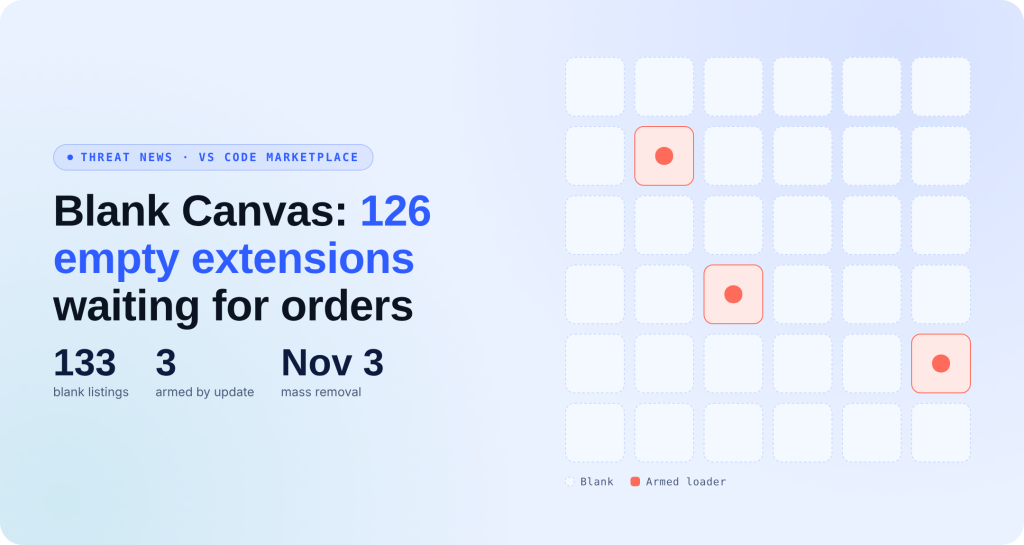
Microsoft pulled 131 extensions from the VS Code Marketplace on November 3, its biggest one-day purge on record. The previous high was 19. Of those 131, 126 were Blank Canvas VS Code extensions, one fleet of empty plugins built to wait.
What Happened With the Blank Canvas VS Code Extensions?
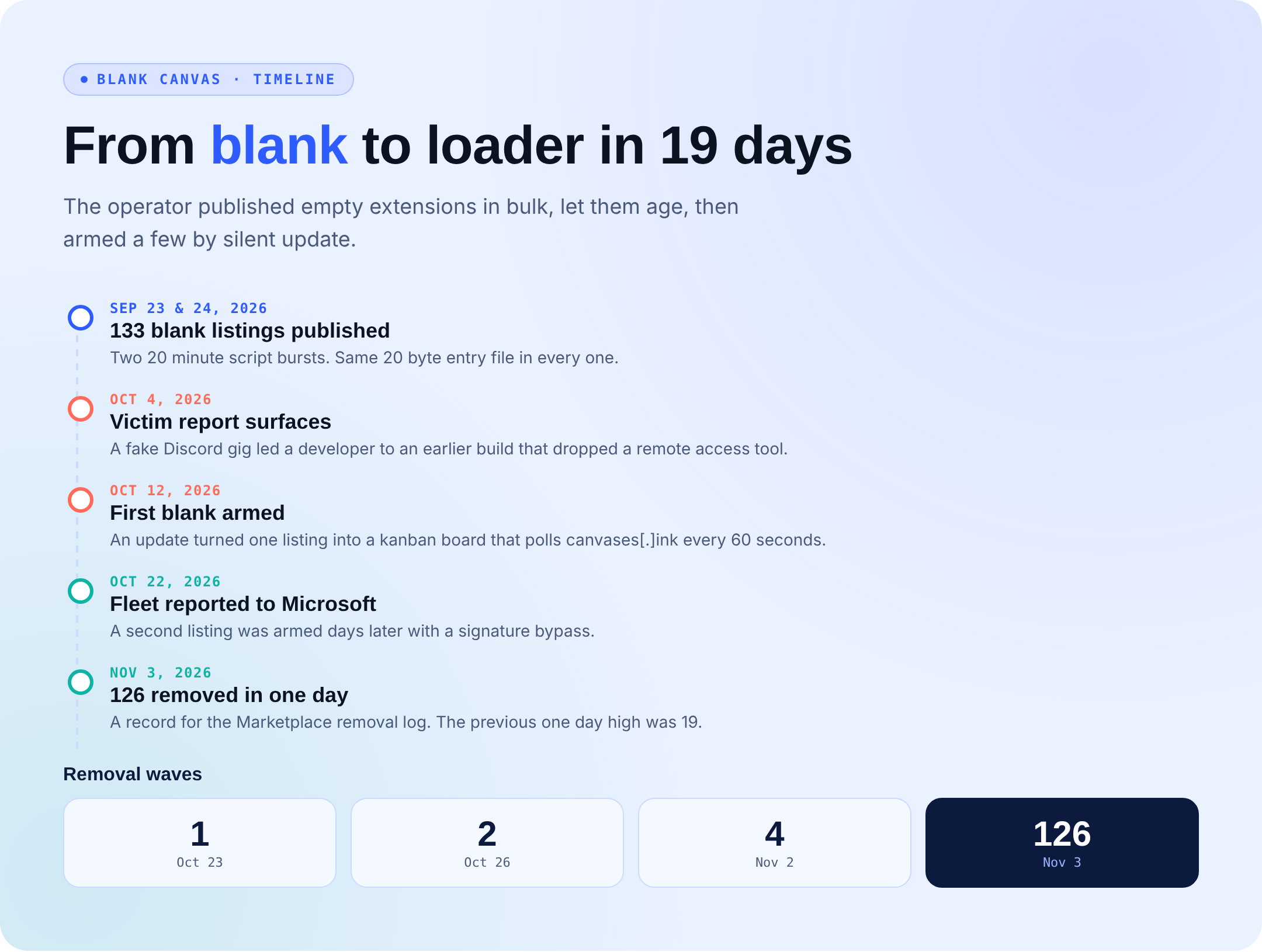
Apiiro researchers found 133 listings that a script published in two 20-minute bursts on September 23 and 24. Each shipped the same 20-byte file that printed one word, and each launched every time VS Code opened. Seven of them showed 5,671 installs against 399 downloads, so the counters were padded.
On October 12, one blank updated into a working kanban board with a loader inside. It checked a board on canvases[.]ink every 60 seconds and ran any attached script with cscript on Windows or sh elsewhere. Its signature check shipped switched off. A later version skipped the check for any board ID containing the word “pure.”
Apiiro reported the fleet on October 22. Microsoft removed it in four waves.
The Victim Behind the Blank
An earlier build from the same operator hit a Roblox developer who got a Discord offer for paid work. The “team” asked them to install an extension and join a board with a code. That board delivered an 802 KB obfuscated batch file.
It created a logon task called “IntelDriver System Service” and injected a .NET remote access tool into explorer.exe. It landed the day after the developer sold a game. At the time, 4 of 61 antivirus engines flagged the batch file. None flagged the extension.
What’s the Impact?
Marketplace review checks a package when it is published, and Blank Canvas VS Code extensions gave it nothing to find. VS Code updates extensions automatically by default, so a harmless install can turn into a loader holding every token in your editor. One armed listing stayed live for 11 days.
How to Avoid Blank Canvas VS Code Extensions
- If a stranger asks you to install an extension and join a board, treat it as a scam, even when the extension tops Marketplace search.
- Set
"extensions.autoUpdate": "off"on managed editors and review new versions before they ship to developers. - Keep an extension allowlist. Hunt for the fleet’s template: description “app”, no icon, activationEvents set to
["*"]. - On Windows machines, look for a hidden
C:\ProgramData\IntelDriverfolder and the matching logon task. - If an armed extension was installed, rotate every token, git credential, and cloud CLI login the editor could reach.
Indicators of Compromise (IOCs)
The visual below lists every indicator tied to the Blank Canvas VS Code extensions: domains, URLs, an IP address, extension IDs, host artifacts, loader strings, and SHA-256 hashes. All indicators are defanged. Do not visit them.

Your Code Editor Is Attack Surface Now
On 3 November, Microsoft removed 126 VS Code extensions from one fleet in a single day. Apiiro, which found them and called the campaign Blank Canvas, says each was empty when published, so nothing was there for a scan to catch. Weeks later, a silent update turned three of them into a loader that ran whatever a remote server sent. VS Code updates extensions automatically, so a developer who installed an empty extension could end up running the loader without doing anything else.
What to do this week:
- Treat an extension update like a new install: turn off automatic updates on managed editors, and review new versions before they reach developers.
- Keep an allowlist of approved extensions, with one named owner.
- Ask your detection team to alert when the editor starts cscript or sh, or when a new logon task appears.
- If a developer installed one of the named extensions, rotate every secret the editor could reach.