Key Takeaways
- Alert fatigue hits 76% of SOC teams. Analyst burnout follows close behind at 73%.
- The average analyst faces 174 alerts per shift. Only 22% of them are worth investigating.
- SOC automation reduces mean time to detect (MTTD) by up to 8x and mean time to respond (MTTR) by up to 20x.
- Lean and mid-market security teams gain the most from automation because they face the worst alert-to-analyst ratios.
- Automating MITRE ATT&CK mapping and SOC reporting saves hundreds of analyst hours per quarter without adding headcount.
- The goal is not a smaller team. It is a team that stops spending 80% of its time on noise.
Introduction
174 alerts. Per analyst. Every single day.
Only 22% of those alerts actually warrant a human. The rest are duplicates, false positives, or low-fidelity noise that leads exactly nowhere. Your team still has to sort through all of it.
That is not a people problem. It is a math problem. And for lean and mid-market security teams without a bench of 40 analysts, it is also a risk problem.
SOC automation changes the math.
By the numbers
of SOC teams say alert fatigue is their top challenge
Pulse of the AI SOC, 2025
security alerts per analyst every single day
Security research, 2025
of those alerts actually need a human to investigate
Industry analysis
faster mean time to detect with SOC automation
Stellar Cyber, 2026
faster mean time to respond with AI-powered triage
Stellar Cyber, 2026
How Does AI Enable SOC Automation in Security Operations
The core issue with traditional SOC operations is that they depend on human attention for work that scales infinitely. Every new SaaS tool, every expanded cloud footprint, every additional endpoint adds more alerts. Analyst headcount rarely keeps up.
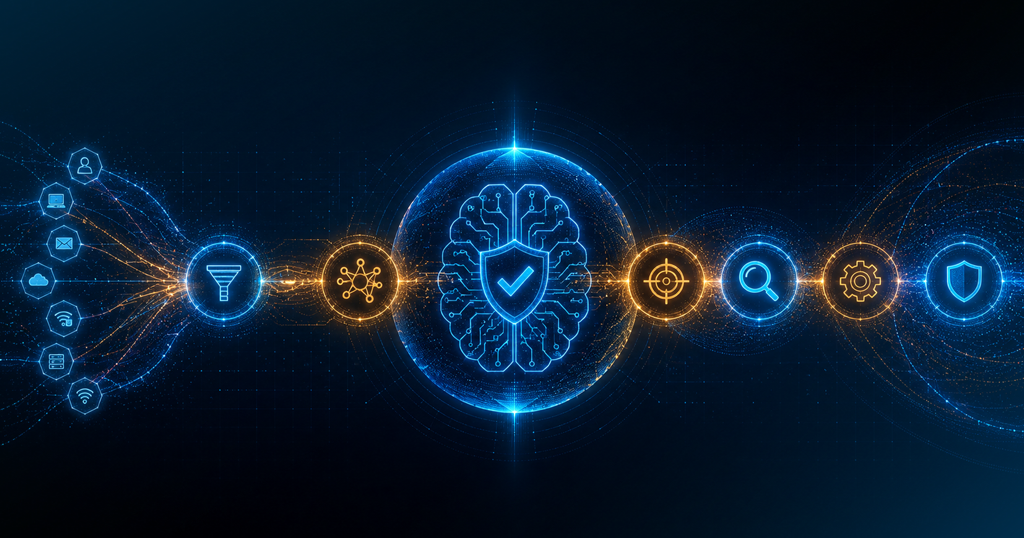
AI flips this by handling the parts of alert investigation that are repeatable. Before a human ever sees an alert, the system enriches it with threat intelligence, user behavior history, and asset context. Related alerts get grouped into a single incident view. Known-safe patterns get closed without any analyst involvement.
This is what that looks like in numbers:
- Organizations using AI automation report up to 8x improvement in MTTD
- MTTR improves by 45-55% compared to manual triage
- Remove this claim or attribute it clearly as industry data, not Secure.com-specific results
- The speed gap matters more than most teams realize. In 2025, attackers achieved lateral movement in as little as 4 minutes after initial access (CrowdStrike 2025 Threat Report). A SOC running manual triage measured in hours cannot close that window.
The speed gap matters more than most teams realize. In 2025, attackers achieved lateral movement in as little as 4 minutes after initial access. A SOC running manual triage measured in hours cannot close that window. Automation can.
How Do Security Teams Automate SOC Tier 1 Analyst Tasks
Tier 1 work is the highest-volume, lowest-complexity layer of the SOC. It is also the one that burns people out fastest.
A typical Tier 1 shift involves:
- Checking incoming alerts for basic context
- Deciding whether something is real or a false positive
- Escalating anything serious to Tier 2
- Writing up findings for the case record
All of this is now automatable. AI agents handle the full Tier 1 investigation lifecycle: pulling logs, cross-referencing threat intelligence, classifying the alert, writing the case summary, and closing low-risk items without a human touching it.
Gartner projects that by 2028, AI will automate more than 50% of Tier 1 analyst tasks. Some platforms are already past that number. Learn how AI-powered investigation compares to legacy SOAR approaches →
The result is that analysts stop spending their shifts on mechanical noise-clearing and start doing the work that actually requires their judgment.
How Does Autonomous Threat Triage Work for Lean and Mid-Market Security Teams
Lean security teams face a specific version of this problem. A three-person team at a 500-person company receives the same volume of alerts as much larger organizations. There is no way to hire your way out of that ratio.
Mid-market companies hit a different wall. They have more resources than a startup but cannot match enterprise-level SOC depth. They need automation that works immediately, not after a six-month professional services project.
Here is how autonomous triage works for both:
- The AI reviews every incoming alert against historical context, similar past cases, and live threat intelligence
- Each alert receives a confidence score that determines whether it gets closed automatically, escalated to an analyst, or triggers an immediate response
- Analysts only touch the cases that require real judgment
- Every automated decision comes with a full rationale so teams can audit what happened and why
Across the industry, roughly 40-50% of alerts get investigated with legacy tooling. Secure.com’s Digital Security Teammates increase coverage to approximately 95%. For a lean team, that gap is the difference between a manageable queue and one that never clears.
How autonomous alert triage works
How Can AI Automate MITRE ATT&CK Mapping in the SOC
Manual MITRE ATT&CK mapping is one of the most time-draining tasks in a SOC. It is not that analysts do not know the framework. The problem is doing it consistently at volume.
Mapping a single alert to the right tactic and technique takes 30 to 60 minutes per case when done by hand. Analysts cross-reference logs, check documentation, and piece together which tactic, technique, and procedure (TTP) best fits the observed behavior. In a high-volume environment, this work simply does not get done on every case.
AI solves this by reading the telemetry, comparing it against known attacker behavior patterns, and assigning the correct MITRE ATT&CK technique automatically. No context switching. No manual lookup. Every case lands with its framework annotation already attached.
How Do Lean Security Teams and Mid-Market Companies Automate MITRE ATT&CK Mapping
For lean teams, automated mapping solves two problems at once. Speed is the obvious one. Consistency is the one people miss.
When one analyst maps a technique differently than another, detection coverage becomes uneven. Gaps appear in ways that are hard to spot until something slips through. AI applies the same classification logic every time, across every case.
For mid-market security teams, automated MITRE ATT&CK mapping also makes compliance and board reporting easier. Coverage conversations that used to require manually assembling data at quarter-end now come straight from the case record.
What automated MITRE ATT&CK mapping typically produces:
- Tactic and technique identification pulled directly from raw alert data
- Grouping of multiple related alerts into a single campaign view
- Gap analysis showing which techniques lack detection coverage
- Threat hunting prioritization based on where coverage is weakest
Manual SOC vs AI-automated SOC
Average mean time to detect (MTTD)
Average mean time to detect (MTTD) with automation
How Can AI Automate SOC Reporting for Security Teams
SOC reporting is what every analyst dreads after a long triage shift. The incident response is done. The threat is contained. And someone still has to write the summary, pull the metrics, and format everything for a team lead or executive.
It draws from the same cognitive resources that already got spent during investigation. And it often happens at the worst time.
AI handles this without analyst involvement. Case summaries are auto-generated from the investigation trail. MTTD and MTTR metrics are calculated and updated in real time. Executive-facing reports are formatted and ready without anyone assembling them from scratch.
How Do Lean Teams and Mid-Market Companies Automate SOC Reporting
For a lean team of three or four people, automated reporting means no one stays late to write shift notes. Reports go out on schedule with accurate data, every time.
For mid-market companies, automated reporting also closes a compliance gap. Many security frameworks and cyber insurance carriers now expect consistent, documented evidence of detection and response metrics. When reporting is manual, it gets inconsistent. When it runs automatically, it is always accurate, always auditable, and always ready when auditors ask.
What automated SOC reporting typically delivers:
- Per-incident case summaries with the full investigation trail attached
- MTTD and MTTR metrics updated continuously, not assembled after the fact
- False positive and true positive rates broken down by alert type and source
- Trend data across weeks and months showing improvement over time
- Executive-ready summaries that do not require a security background to read
What SOC automation handles
What Secure.com’s SOC Teammate Does in Practice
What the SOC Teammate handles
- Alert triage at scale: Takes coverage from the 40-50% industry baseline to approximately 95% of incoming alerts
- Autonomous investigation: Gathers evidence from endpoint, network, and threat intelligence feeds before making a call
- MITRE ATT&CK annotation: Every case arrives with the relevant technique already mapped
- Auto-generated reporting: Case summaries, MTTD, MTTR, and shift reports ready without analyst effort
- Explainability built in: Every action includes a plain-language rationale. Analysts see exactly why each decision was made.
What early deployments have shown
L1 analyst equivalent workload
salary, benefits, and training
Deploys in 30 minutes. No professional services project. No six-month integration. Value from the first session after connecting your main systems.
It does not replace your analysts. It removes the part of their job that was making them want to quit.
FAQs
What is the difference between alert fatigue and analyst burnout?
How does autonomous threat triage differ from traditional SOAR automation?
Does SOC automation work with our existing tools?
How long does it take to see real results from SOC automation?
Conclusion
The alert volume problem is not going away. Every new cloud workload, every new SaaS integration, every expanded attack surface adds more signals to your queue.
Lean security teams and mid-market companies cannot keep handling that growth with manual triage. The math does not work. And the human cost, measured in burnout, turnover, and missed threats, is real. The SANS 2025 SOC Survey found that 62% of organizations cannot retain security talent adequately. That number will not improve by asking the same people to sort through more alerts.
SOC automation handles the volume. MITRE ATT&CK mapping happens automatically. Reporting gets done without analyst effort. And your team focuses on the work that actually requires a human.
That is not a smaller SOC. That is a better one.