TL;DR
Most teams do not fail an ISO audit because their security is weak. They fail because they cannot prove the control was working. ISO 27002 tells you how to build a control. It does not hand you the evidence file an auditor wants to see. This post shows where that gap opens up, what auditors actually check, and how to keep proof that stands up on audit day.
Introduction
Here is a scene that plays out in audit rooms all the time. A company has a clean access control policy. The auditor asks for proof it ran last quarter. The room goes quiet. The policy exists. The evidence does not. That silence is the documentation gap, and it is the most common reason good controls still get flagged.
- Time stamped, so the auditor can see when it happened
- Tied to a specific control, not floating on its own
- Shows a defined process was followed
- Signed off by an authorized person
Why ISO 27002 Is Not a Checklist
People treat ISO 27002 like a to do list, but that misses the point. It is a guide for how to build and run controls, not a set of boxes you tick once. You are not certified against ISO 27002 itself. You pick the controls that match your risks, then use the standard to build them well.
How ISO 27002 Sits Next to Iso 27001
The two standards work as a pair. ISO 27001 Annex A gives you the reference list of controls, and ISO 27002 explains how to put each one into practice. You assess a risk, pick a control to treat it, build it using the 27002 guidance, then an auditor checks if it works.
The Four Control Themes in Plain Terms
The 2022 update grouped the 93 controls into four themes, which makes ownership clearer. Each theme covers a different slice of your security, from policy to hardware.
The four themes:
Here is how the 93 controls break down across the four groups.
- Organizational (37 controls): policies, threat intelligence, and cloud service security
- People (8 controls): screening, training, awareness, and remote working
- Physical (14 controls): security perimeters, secure areas, and equipment protection
- Technological (34 controls): access control, data leakage prevention, and secure coding
What Changed From 2013 to 2022
If you learned the old version, the layout will look different now. The control count dropped from 114 to 93, and the 14 domains became 4 themes. The update also added 11 new controls and introduced attributes, which let you filter controls by type, security property, and cybersecurity concept.
The New Controls That Trip up Audits
The 11 new controls target modern risks, and auditors expect you to show how you handle each one. These are the ones teams most often forget to document.
New controls worth watching
Keep proof ready for these, since they are common audit stumbles.
- 5.7 Threat intelligence: collecting and using data on new threats
- 5.23 Cloud services security: managing shared responsibility risks
- 8.9 Configuration management: keeping system settings safe and consistent
- 8.11 Data masking: hiding sensitive data when full access is not needed
- 8.16 Monitoring activities: logging to catch unusual behavior
- 8.28 Secure coding: baking security into the software lifecycle
Where the Documentation Gap Opens Up
The gap is not in the control. It is in the proof. A control can run fine every day and still fail an audit if nobody kept a record an auditor can trust. That missing paper trail is what turns a working control into a finding.
How Auditors Actually Grade Your Controls
Auditors do not just look at whether a control exists. They test it against a few clear standards, and each one needs backing evidence.
The four checks
Every control gets weighed against these points.
- Design: does the control really reduce the risk it targets?
- Consistency: is it applied across the whole company, not just in spots?
- Proof: can you show it works with logs, reports, or records?
- Risk link: does it map back to a risk in your assessment?
The Three Gaps That Sink Audits
Most findings trace back to the same handful of misses. Spot these early and you close most of your exposure before the auditor arrives.
Common failure points
Watch for these three patterns.
- The control exists but nobody follows it in practice
- The process runs but you cannot prove it to the auditor
- The control has no link to any real risk you identified
What Good Evidence Looks Like
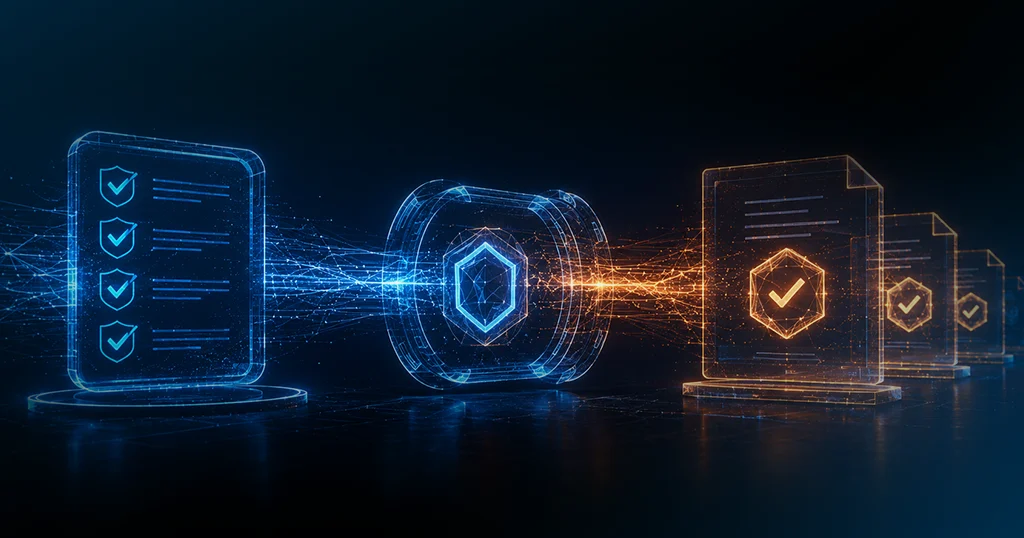
Strong evidence has a few traits in common. It is time stamped, tied to a specific control, and shows a defined process was followed by an authorized person. If your proof is missing any of those, expect the auditor to ask for more.
How Secure.com Helps
Secure.com gives you a Compliance Teammate that keeps controls mapped to frameworks and evidence ready before audit day.
- Maps your controls to the frameworks and requirements that apply to you
- Flags gaps between your current controls and what the framework asks for
- Collects evidence into an audit ready trail with clear links back to each control
- Ties each gap to your risk register so the riskiest items get fixed first
- Tracks recurring gaps across audits so the same finding does not return