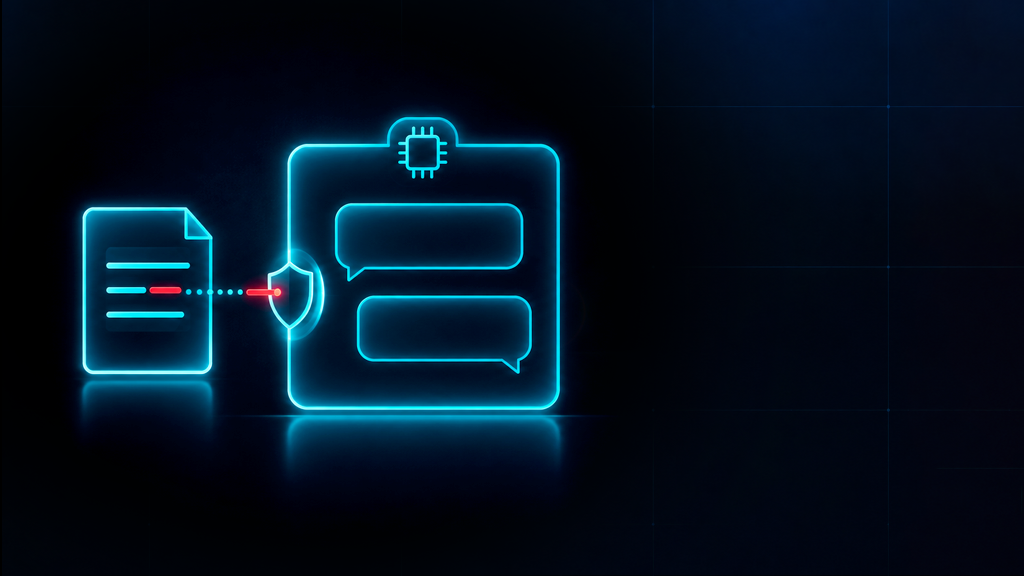
TL;DR: The folder where Windows parks its updates is about as boring as a hard drive gets. That is exactly why someone hid a loader in there, wrapped it in a signed Microsoft class, and walked straight past the scanner.
NetamLoader at a glance
One victim, a trusted folder, and a scanner that said everything was fine
Source: Kaspersky GReAT, Securelist
What Happened?
Researchers published findings on October 29, 2026 about a loader now called NetamLoader. They found it on a single computer in Asia running a version of Windows 10 built only for government use.
A CAB archive had been dropped into the Windows update staging folder. Most of what unpacked was genuine: real components of a commercial patch management tool and Microsoft signed assemblies. Only one resource file actually carried code. A swapped config file told .NET to load a Microsoft signed class, which read a second config, which pulled that hidden code out. Nobody saw how the archive got there.
Attack chain
How NetamLoader got from a CAB file to a live connection
- 01Archive lands in the update folderA CAB file appears in the Windows update staging folder. How it got there is unknown.
- 02Genuine files provide coverReal patch tool components and Microsoft signed assemblies unpack. One resource file carries the hidden code.
- 03Config swap hijacks .NETA replaced config file loads a Microsoft signed class, which reads a second config and pulls out the hidden code.
- 04Defenses go quietAMSI is rewritten in memory so scans return clean, and .NET event tracing is silenced.
- 05Execution moves into
dllhost.exeThe hop breaks the process tree and makes the chain far harder to follow. - 06It waits, then calls home20 to 40 minutes pass before the first connection to the command server.
- !!Tracks wiped along the wayConfig files, the resource file, the usage log and Prefetch entries deleted. Matching lines stripped from an update log.
Source: Kaspersky GReAT, Securelist
Why Nobody Noticed
The loader did not outsmart the scanner. It reached into the running process and rewrote how AMSI answers, so every memory scan came back clean. It silenced .NET event tracing too.
Then it tidied up. The config files, the resource file, the usage log and the Prefetch entries were all deleted, and matching lines were quietly stripped out of an update log. Execution hopped into dllhost.exe, which broke the process tree and made the chain far harder to follow.
It waited 20 to 40 minutes before its first call home. The pattern echoes an earlier campaign where attackers hijacked an update mechanism and stayed for six months. It also explains why so many detection failures look like silence instead of alarms. Other intrusions built on the same patience have sat undetected for 400 days.
The clean scan problem
What the tools reported versus what was running
What the scanner showed
- Memory scans: clean
- .NET telemetry: nothing unusual
- A Microsoft signed class loading
- A normal system process running
- Update folder full of genuine files
What was actually happening
- AMSI rewritten to answer clean
- .NET event tracing switched off
- That class pulling hidden code from a resource file
- dllhost.exe hosting the loader
- Configs, logs and Prefetch entries being deleted
A clean verdict is only as honest as the scanner giving it.
What’s the Impact?
One victim. One country. But the method travels. Any organization that lets a patch tool write into a trusted system folder has the same opening. The bigger lesson is cheap to say and expensive to ignore. A clean scan proves nothing once the scanner has been told what to say.
How to Avoid This
- Restrict write access to update staging folders
- Alert on signed tools launching from unusual paths
- Flag
dllhost.exethat lingers or holds network connections - Ship logs off the host, since this one deleted local copies
- Hunt on behavior, not on scanner verdicts
If you want to know whether these controls actually hold, simulate the attack path yourself before someone else does.
A Clean Scan Is Not Proof. Go Get Proof.
NetamLoader worked because nothing was pressure testing the quiet corners of that build. Secure.com AI Teammates do that work on a schedule, inside boundaries your team sets, with approval gates on anything consequential.
- The Red Teammate attacks your own environment inside an approved scope, so you find the reachable path before an operator does
- The SOC Teammate pulls process, registry and outbound traffic into one case, instead of leaving an analyst to stitch five consoles together
- Findings turn into governed hardening and a retest, so you finish with evidence rather than another backlog item
- Every action runs inside your scope, permissions and approval gates, with a full record of who approved what
- It sits above the tools you already own, so nothing gets ripped out. Start with one teammate.
Attack. Harden. Prove. Repeat.